
Hey Freelance Friends!
If your browser tabs feel like a wild frontier, here’s a truth: Chrome extensions aren’t just nice add-ons, they’re shortcuts to more hours that actually land in your invoice column. Used right, they shrink repetitive tasks, sharpen focus, and free up attention for the work that earns you money.
Below isn’t a laundry list of digital trinkets. It’s a playbook for leveraging your browser into a profit machine.
Sponsored

It’s the platform behind some of the world’s most-read newsletters, built for writers who want clean publishing, real growth tools, and monetisation that doesn’t feel bolted on as an afterthought. No duct tape. No fighting your software.
Freelance Forward runs on Beehiiv for a reason. It stays out of the way and lets the writing do the work.
If a newsletter is even a quiet idea at the back of your mind, this is the infrastructure part done right.
Track Every Minute You Earn
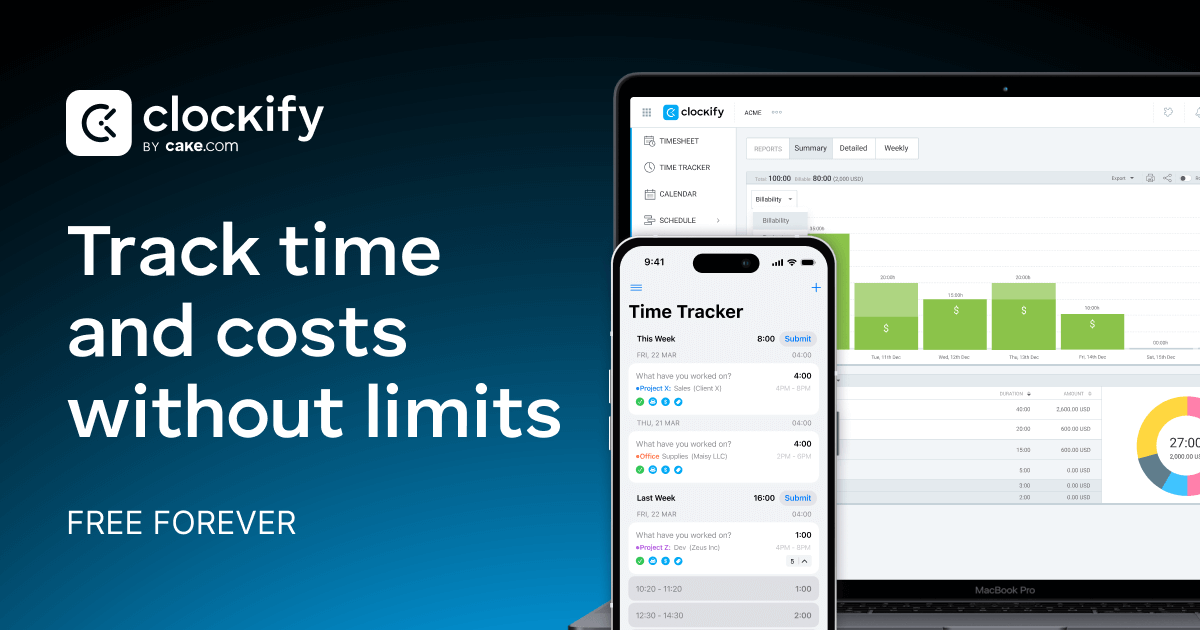
If you bill by the hour, capturing every minute matters. The Clockify Time Tracker extension lets you start and stop timers for different clients and projects right from your browser bar. At the end of the week, you can export reports for invoices or insight into what clients actually cost you time-wise, no guesswork, no lost hours. It’s simple, free, and built for freelancers who charge hourly.
Another excellent option if you want one-click focus across apps: Toggl Track puts a timer inside whatever you’re working on, so logging hours doesn’t pull you out of the task.
Block Distractions, Keep Focus
The internet is a productivity black hole if you let it be. StayFocusd blocks sites that suck your attention once you hit a time limit you set. With it you can protect your high-value hours for writing, designing, editing, or client work instead of doom-scrolling.
If you like a gamified focus boost, consider Forest: Stay Focused it grows a tree while you work and your focus pays off, literally in peace of mind.
Stop Typing the Same Thing 100 Times
Freelancers write the same emails, replies, pitches, and proposals over and over. The Text Blaze extension lets you create shortcuts for canned responses or entire message templates. Type a few characters and boom, your full text expands. This saves hours over weeks, and clients value responsiveness.
Capture and Organise Research
Half the work (and half the value) in many freelance gigs is research. Instead of bookmarking chaos, use Evernote Web Clipper to save articles, snippets, screenshots, and highlight key points into organised notebooks. Bring order to your ideas so they actually move projects forward.
If you use Notion for project planning, the Notion Web Clipper lets you save web content directly into your workspace database. perfect for building proposals, briefs, or research boards.
Keep Your Digital Life Secure
Passwords, settings, and client logins shouldn’t slow you down, or put you at risk. Tools like Bitwarden (install via its official site and add the Chrome extension) keep credentials safe and auto-filled so you’re logged in and working instantly without compromised security.
Chrome’s ecosystem can feel like a jungle, but the right extensions are like a seasoned guide pointing you to the paths that turn time into cash. Install a couple this week, stick with them through Friday, and you’ll feel the difference in focus, flow, and the fatness of your invoice sheet.
— The Profreelance Crew
Tool of the week
Clockify Time Tracker

If you make money by the hour, this is non-negotiable. One click starts your timer and tracks what you’re working on across projects and clients. At the end of the week, accurate reports = stronger invoices and clearer decisions about what work actually pays.
Resource Archive




PROFREELANCE (Pty) Ltd
2023/279056/07
The content in this newsletter is for informational purposes only and does not constitute financial, legal, or professional advice. Pro Freelance and Freelance Forward are not affiliated with or endorsed by the platforms or tools mentioned (unless stated otherwise), and we are not liable for any losses, damages, or issues arising from your use of them. Always do your own research before making decisions related to your freelance business.
